Guides
POS System Price in the UAE: What It Really Costs
Kyndle One Team · 13 September 2026 · 10 min read
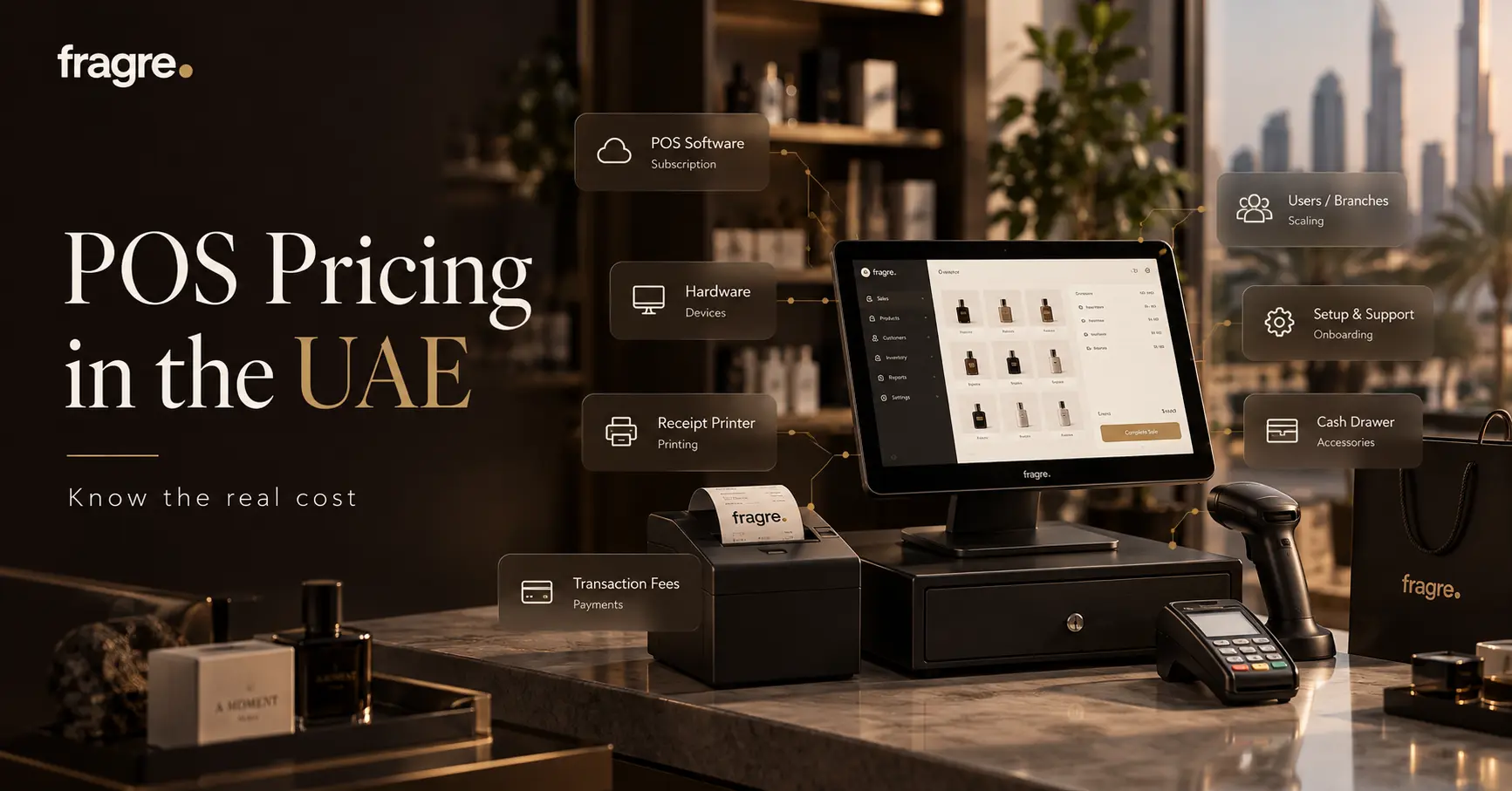
A POS system doesn't have one price — it has a price structure. Here's how POS systems are priced in the UAE: the models, hardware costs, hidden fees, realistic ranges, and how to work out your true total cost before you buy.
"How much does a POS system cost in the UAE?" is one of the first questions every retailer asks — and one of the most frustrating to get answered. Search around and you'll find prices from nearly free to tens of thousands of dirhams, with little explanation of why. The truth is that a POS system doesn't have a single price; it has a price structure. Once you understand that structure — the models, what drives the cost, and the fees that hide beneath the headline — you can look at any quote and know whether it's fair. This guide breaks it all down, with realistic UAE ranges to anchor your expectations.
One note up front: every figure here is an indicative range, not a quote. Real prices vary by vendor, features, number of branches, and how well you negotiate — so treat these as a map, then get quotes for your exact setup. If you also want the full selection process, pair this with our guides on how to choose a POS system and the best POS for a small business in the UAE.
The four ways POS systems are priced
Almost every POS in the UAE uses one of four pricing models. Knowing which you're looking at is half the battle.
1. One-time licence (traditional / on-premise)
You pay once to own the software, typically installed on a local machine. Expect a one-off fee often in the range of AED 2,000–10,000+ depending on features, plus a paid annual maintenance or support plan for updates. Lower "monthly" cost on paper, but you carry the upgrades and the system ages.
2. Monthly subscription (cloud / SaaS)
You pay a recurring fee, usually per till or per location, tiered by features and users. In the UAE this commonly lands somewhere around AED 50–300+ per month per till or branch, depending on the tier. It keeps you on the latest version automatically and spreads the cost — the model most modern systems use.
3. Subscription plus per-transaction fees
A low or moderate base fee, plus a small cut of each sale (or of card payments processed). This looks cheap at low volume and gets steadily more expensive as you grow — so the honest test is to do the maths at your sales volume, not today's.
4. Free / freemium
A free base plan, monetised elsewhere — usually through payment-processing fees on every card transaction, or by charging for the features you'll actually need (inventory, extra users, reports). "Free" rarely means free once you run a real shop; it means the cost has moved somewhere less obvious.
Subscription or licence — which is cheaper?
So which model wins on cost? Over a single year, a one-time licence can look cheaper than a subscription. Over three to five years — counting maintenance, upgrades, the odd hardware refresh and the slow cost of an ageing system — a cloud subscription often comes out ahead, and it buys you automatic updates and access from anywhere along the way. The right model depends less on the sticker price and more on how you weigh owning-and-maintaining against renting-and-relaxing. For most modern retailers, the predictability and low upkeep of a subscription is worth it.
What actually drives the price
Within any model, a handful of factors move the number up or down. When a quote looks high or low, it's usually one of these:
- Number of tills / registers — most systems price per active till.
- Number of branches — more locations, more cost (and more reason to want them consolidated).
- Number of users — some plans charge per staff login.
- Features and modules — inventory, accounting, CRM, loyalty and e-invoicing may sit on higher tiers or cost extra.
- Support level — faster, local, longer-hours support usually costs more.
- Cloud vs on-premise — a subscription vs a licence-plus-maintenance shape.
Don't forget the hardware
Software is only part of the bill. A physical shop also needs equipment — though far less than it used to. Rough one-time ranges per station in the UAE:
- Device (tablet, laptop or desktop): from a few hundred to a couple of thousand dirhams — and often something you already own.
- Receipt printer: roughly AED 300–800.
- Cash drawer: roughly AED 150–500.
- Barcode scanner: roughly AED 100–500.
- Card reader: often supplied by your payment provider.
A modern cloud POS that runs in a browser or app is a real saving here: you can start on a device you own and add peripherals as you need them, rather than buying a supplier's locked-in kit. All in, a modest single station can often be equipped for well under AED 2,000.
The hidden costs that change the real price
The headline price rarely tells the whole story. Before you compare quotes, account for the costs that hide beneath them:
- Setup and implementation — some systems charge to get you live; the best need little or none.
- Per-transaction or payment fees — a percentage of every sale adds up quietly.
- Add-on modules — inventory, accounting or reports locked behind higher tiers.
- Extra users or tills — the base plan's limits, and what it costs to pass them.
- Annual maintenance (AMC) — common with on-premise licences, for updates and support.
- Training — a complex system your team can't self-learn has a real cost in time.
- Integrations — the price and upkeep of connecting a POS to separate accounting or inventory tools.
It helps to picture the whole thing. The price you see advertised is usually just the first slice; the real cost is everything stacked on top of it:
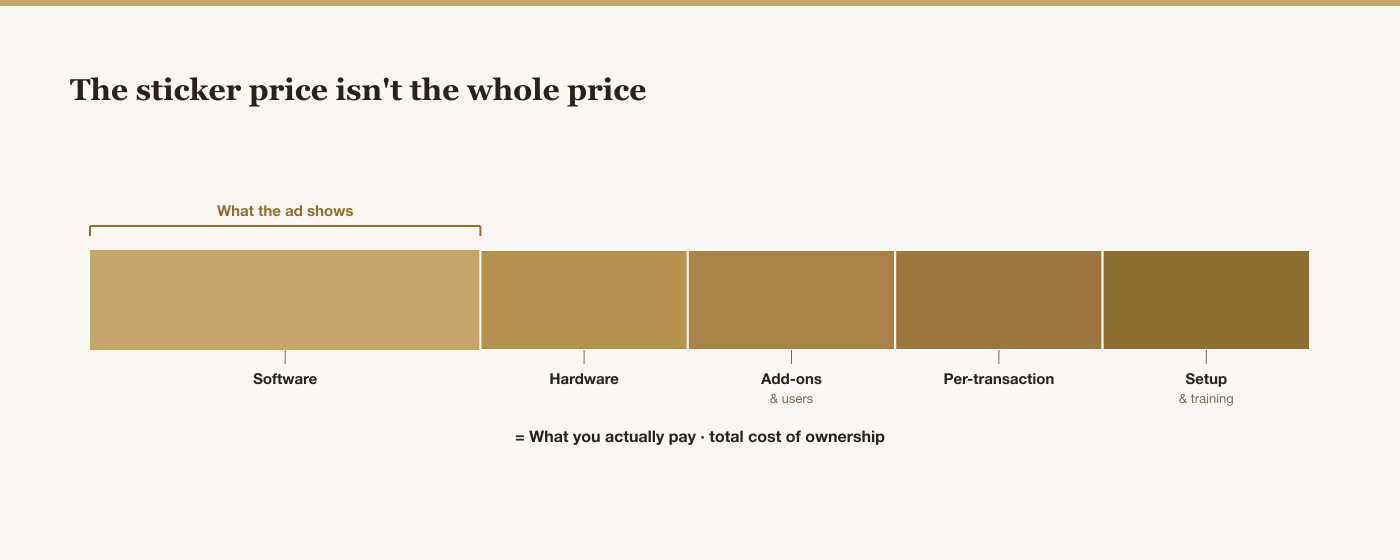
None of these layers is necessarily bad — hardware and support are real value. The point is to see them all before you compare, so a low headline with expensive extras doesn't beat an honest all-in price that's genuinely cheaper.
Pricing questions to ask before you buy
Put these to every vendor, and compare the answers as carefully as the prices themselves:
- What's the all-in monthly cost for my exact number of tills, branches and users?
- Are there per-transaction or payment-processing fees on top?
- Which features are included, and which cost extra?
- Is there a setup or implementation fee?
- What does support cost, and what's included?
- How much to add a till, a user or a branch later?
- Is there a contract, and can I leave without penalty?
Vague answers to direct pricing questions are themselves a signal — a straight, itemised quote is a good sign.
How to work out your true cost
Ignore the sticker price and calculate your all-in monthly cost instead — the single figure that lets you compare fairly. Add up: the software for your real number of tills, branches and users; every feature you actually need (not the base plan if it's missing essentials); any per-transaction or payment fees at your volume; and the monthly-equivalent of one-time costs like hardware, setup and training spread over a couple of years. Compare that figure across systems — it's the only comparison that reflects what you'll really pay.
There's also a cost that never appears on a quote: your time. A system that removes a few hours of admin a week — because stock, VAT and the books update themselves — pays for itself many times over, even at a higher monthly price. Cheapest and best-value are rarely the same thing.
A realistic cost picture: three example setups
To make the ranges concrete, here's roughly how the all-in cost tends to shape up for three common setups on a modern cloud POS. These are illustrative, not quotes — but they show how the pieces add up:
| Setup | Typical monthly software | One-time hardware |
|---|---|---|
| Single-till boutique | ~AED 50–150 / month | ~AED 800–2,000 |
| Busier store, 2 tills | ~AED 150–400 / month | ~AED 2,000–4,000 |
| Three-branch retailer | ~AED 400–900 / month | ~AED 4,000–9,000 |
Spread the one-time hardware over two or three years, add it to the monthly software, and you have a fair all-in figure to compare across vendors. And note the quiet win of an all-in-one: a platform that also covers accounting and inventory can replace two or three of the separate subscriptions you'd otherwise stack on top of the POS.
One predictable price for the whole shop
Kyndle One bundles POS, inventory, accounting and VAT into a single subscription — no separate tools to stack, no setup project. Ask for your all-in price.
Request a demo →One platform vs several: the pricing angle
A big driver of total cost is how many tools you're paying for. Run your shop on a POS, a separate accounting app, an inventory tool and the integrations between them, and you're paying several subscriptions — each priced, and each rising, independently. An all-in-one platform folds those into one subscription. Once you count the accounting and inventory you were going to pay for anyway, the all-in-one usually works out simpler and cheaper — the same logic behind the real cost of running on separate tools.
Is a cheaper POS a false economy?
Not always — but often. A very cheap or free POS can be exactly right for a tiny, simple shop. The risk is what "cheap" hides: per-transaction fees that grow with you, missing essentials you'll pay to add, a system so basic you outgrow it in a year, or one so complex it costs you in training and errors. The goal isn't the lowest price; it's the lowest total cost for a system that actually runs your shop well. Judge value over three years, not the first month.
Signs a quote is fair — or padded
A fair quote is easy to read: one clear monthly figure for your setup, essentials included, no surprise cut of every sale, and a simple, stated price to add a till or branch later. Be wary when the opposite shows up — a low headline that balloons once you add the features a real shop needs, a percentage skimmed off each transaction, essential modules parked on a higher tier, or a setup fee that isn't explained. The number matters, but how transparent the vendor is about it matters just as much.
UAE-specific costs to keep in mind
Two local factors belong in your budgeting. First, your POS must handle 5% VAT and proper tax invoices — if that's a paid add-on rather than built in, it's a real cost. Second, from 2027 the UAE's mandatory e-invoicing arrives for B2B and B2G; a system already preparing for it saves you a future migration and its cost. Factor both into the true price, not just the monthly fee.
Where Kyndle One fits
Kyndle One is priced as one predictable subscription that covers the whole operation — point of sale, inventory, customers and accounting with UAE VAT — rather than a base POS with the useful parts sold separately. There's no implementation project to pay for, it runs on hardware you likely already own, and because it's all-in-one you're not stacking separate subscriptions or paying to integrate them. It's built for the UAE, with e-invoicing readiness ahead of 2027 included in the roadmap. The fair way to price any system, ours included, is the all-in monthly cost for your exact setup — so ask for that figure and compare like with like.
The bottom line
There's no single price for a POS system in the UAE — but there is a way to judge any price. Learn the four models, know what drives the cost, add the hardware and the hidden fees, and compare systems on your all-in monthly total rather than the number on the ad. Weigh that against the time a good system saves you, and think in years, not months. Do that, and you won't overpay — or under-buy — you'll pay a fair price for the system that quietly runs your shop.
Related guides
Frequently asked questions
How much does a POS system cost in the UAE?+
There's no single price. A modern cloud POS subscription commonly runs around AED 50–300+ per month per till or branch depending on features, while a traditional one-time licence often ranges from AED 2,000–10,000+ plus annual maintenance. Add one-time hardware (often under AED 2,000 for a modest station) and any per-transaction fees. The fair way to compare is your all-in monthly cost for your exact setup — always get a quote, as prices vary widely.
What are the pricing models for POS systems?+
Four main ones: a one-time licence you own (traditional/on-premise); a monthly subscription tiered by tills, users and features (cloud/SaaS); a subscription plus per-transaction fees; and free/freemium plans monetised through payment fees or paid add-ons. Knowing which model a quote uses is the first step to judging whether it's fair.
Are there hidden costs with POS systems?+
Often, yes. Watch for setup or implementation fees, per-transaction or payment-processing cuts, add-on modules and extra users on higher tiers, annual maintenance on licences, training time, and the cost of integrating a POS with separate accounting or inventory tools. Add these to the headline before you compare — that's the true total cost of ownership.
How much does POS hardware cost in the UAE?+
Less than it used to. A modern cloud POS runs on a device you may already own; beyond that, a receipt printer is roughly AED 300–800, a cash drawer AED 150–500, and a barcode scanner AED 100–500, with card readers often supplied by your payment provider. A modest single station can frequently be equipped for well under AED 2,000.
Is a cheaper POS system worth it?+
Sometimes — a simple, cheap POS can suit a tiny shop. But 'cheap' can hide per-transaction fees that grow with you, missing essentials you'll pay to add, or a system you outgrow in a year. The goal is the lowest total cost for a system that runs your shop well, judged over three years rather than the first month — cheapest and best-value are rarely the same.
Run your business smarter with Kyndle
Point of sale, inventory, accounting and AI insights in one calm place.
Request a demo